Interactive charting
Open multiple market charts, switch timeframes and review price action with a workspace suited to both quick checks and deeper analysis.


MetaTrader 4 combines interactive charts, technical-analysis tools, flexible order controls and support for automated strategies. Your available symbols, leverage, account currency and trading conditions depend on the MT4 account group assigned to you.
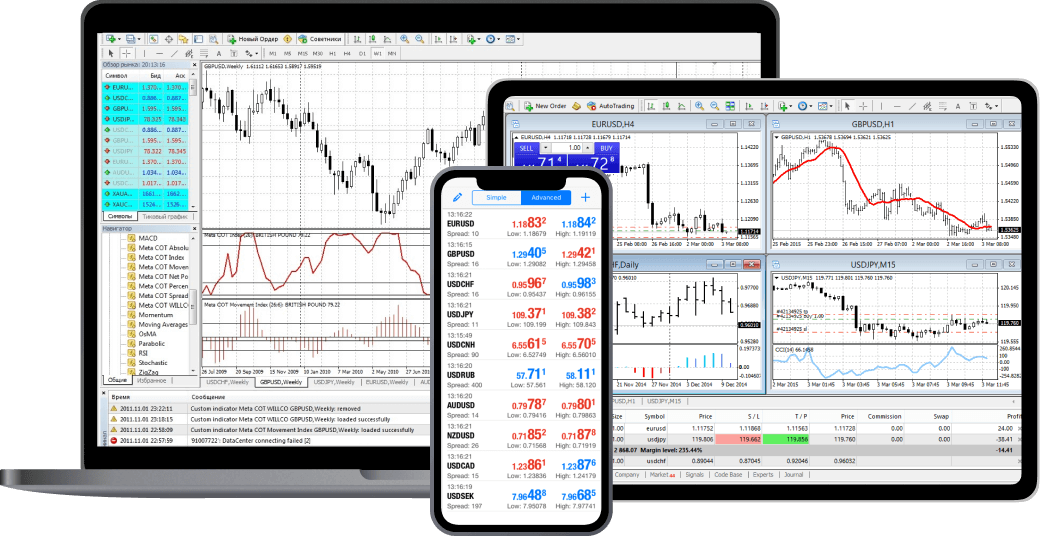
Use the platform for market analysis and order execution, then use the secure client area for account administration, requests and account-level information.
Open multiple market charts, switch timeframes and review price action with a workspace suited to both quick checks and deeper analysis.
Apply indicators and drawing tools to organise your analysis, identify market structure and prepare potential entry and exit levels.
Place market or pending orders and manage stop-loss and take-profit levels subject to the instrument and account conditions available in MT4.
MT4 supports Expert Advisors and custom MQL4 tools, allowing compatible strategies and indicators to be used within the desktop environment.
Use the configured web terminal for browser access and keep your account information available through the responsive client portal.
Review balance, equity, margin information, trading history and service requests for each connected MT4 account from your client area.
A clear account journey connects the website, client portal and MT4 environment without mixing platform access with administrative requests.
Register and complete the account information requested in the client area.
Choose from the account plans and MT4 configurations made available by the administrator.
Your MT4 login and account details are created for the selected account configuration.
Launch the configured web terminal or use a supported MT4 application with your account credentials.
Open a browser-based MT4 workspace without installing software on the current device.
Launch WebTraderUse MT4 desktop features for detailed chart layouts, custom tools and compatible Expert Advisors.
Ask about setupStay connected while away from the desktop and use the responsive client area for account information and requests.
Open client loginLeveraged products can result in rapid losses. Review the risk information, understand your account conditions and contact support whenever access or account details are unclear.